- Published on
ISP Throttling Explained: How to Detect It and What You Can Actually Do
- Authors

- Name
- SpeedDrain
Sponsored
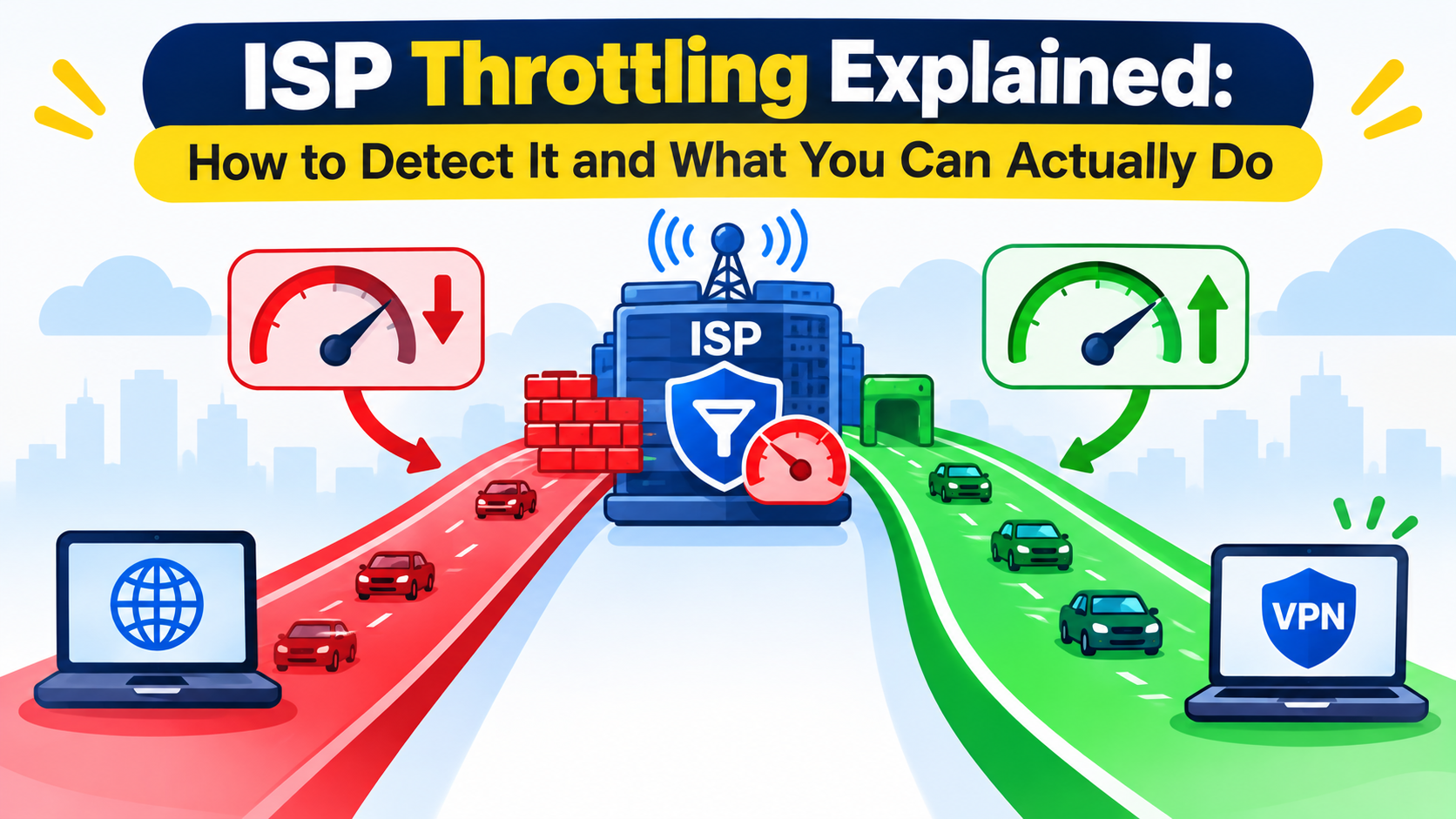
You're paying for a 500Mbps plan. Speed tests show 480Mbps. But the moment you start downloading a large file — or streaming a 4K video — the speeds tank to 20Mbps. Something doesn't add up.
That's throttling. And yes, your ISP is almost certainly doing it to you at some point, even if they won't admit it.
This guide explains exactly what ISP throttling is, how to test whether it's happening to you right now, and what actually works to fix or reduce it.
What Is ISP Throttling?
ISP throttling (also called bandwidth throttling or traffic shaping) is when your Internet Service Provider deliberately slows down certain types of traffic on your connection. It's not random — it's intentional, targeted, and often hidden.
ISPs throttle traffic for a few reasons:
- Network congestion management: Slowing heavy users to free up capacity for the network
- Business/commercial reasons: Throttling competing streaming services while their own service runs fine
- Enforcing data caps: Slowing speeds after you've hit a monthly threshold
- P2P traffic discrimination: Targeting torrent traffic specifically because of legal liability concerns
The frustrating part is it usually shows up at exactly the wrong time — big downloads, streaming sessions, or video calls during peak hours.
Signs Your ISP Is Throttling You
Before running tests, here are the symptoms that point to throttling rather than general network issues:
- Fast speed tests but slow actual downloads
- Specific sites or services (Netflix, YouTube, Steam) consistently slower than others
- Downloads that start fast and then slow down after a few seconds
- Speeds drop predictably at peak hours (evenings, weekends)
- Torrents capped at a certain speed regardless of seeder count
The most telling sign is asymmetric slowdown — when a speed test shows full speed but actual downloads on specific platforms don't.
How to Test for ISP Throttling: Step by Step
Test 1: Run a Baseline Speed Test
First, get your actual connection speed using Speedtest.net or Fast.com. Run it three times and note the average. This is your reference point.
Test 2: Run a Differential Speed Test
Internet Health Test (by Measurement Lab) tests your connection through multiple data paths, including paths that go through ISP interconnects. If your speed drops significantly on those paths versus a standard speed test, that's a strong signal of throttling at the interconnect level.
Go to nettest.measurementlab.net and run it. Compare results.
Test 3: The VPN Test
This is the most reliable DIY throttling test.
- Run a download at full speed and note the speed
- Connect to a VPN
- Run the same download again
If speeds improve significantly on VPN, your ISP is almost certainly throttling without the VPN — because the VPN encrypts your traffic, making it harder for the ISP to identify and throttle it by type.
The logic: when throttling is happening, it's based on traffic type identification. VPN encryption hides the traffic type. If the VPN fixes it, throttling was the issue.
Test 4: Use Wehe (by Northeastern University)
Wehe is a research app (Android/iOS) built specifically to detect throttling. It replays real traffic patterns from popular apps (YouTube, Netflix, Spotify, Amazon Video) and compares the rates to control traffic. If throttling is happening, it identifies which apps are affected.
This is actual peer-reviewed research software, not a marketing tool. The results are logged and contribute to public ISP accountability data.
Test 5: The Port 80 vs Port 443 Test
Some ISPs throttle HTTP (port 80) traffic but not HTTPS (port 443), or throttle standard video streaming ports while leaving others alone. Download the same large file from both an HTTP and HTTPS URL and compare speeds.
This one is more technical, but the speed difference between ports can expose protocol-level throttling.
Understanding the Results
| Scenario | What It Means |
|---|---|
| Speed test fast, downloads slow everywhere | Server-side issue, not your ISP |
| Speed test fast, only specific services slow | Throttling by service/domain |
| VPN fixes the speed | Throttling confirmed |
| Speeds slow only during peak hours | Congestion (may or may not be throttling) |
| Wehe shows specific apps throttled | Throttling confirmed for those apps |
| All speeds slow consistently | Could be your plan, router, or modem |
What You Can Do About ISP Throttling
Option 1: Use a VPN
A VPN encrypts your traffic so your ISP can't identify what type of traffic it is. If they can't see it's BitTorrent or Netflix, they can't apply the specific throttling rules for those services.
Works well for:
- Torrent/P2P throttling
- Streaming service throttling
- Port-specific throttling
Limitations:
- Doesn't help with bandwidth caps or time-based throttling
- VPN overhead adds latency (though usually negligible)
- Some ISPs now throttle VPN protocols themselves
Best VPNs for anti-throttling in 2026: Mullvad, ProtonVPN, and ExpressVPN — all with strong no-log policies and WireGuard protocol support for minimal speed overhead. We cover how VPNs affect downloads (including throttling) in detail at does a VPN make downloads faster?.
Option 2: Use HTTPS and Encrypted Download Links
Where possible, always use HTTPS URLs for downloads. Many ISPs only throttle unencrypted HTTP traffic. This is why large file hosters like Pixeldrain use HTTPS exclusively.
If you're downloading large files from services like Pixeldrain and hitting throttling, tools like SpeedDrain can help by optimizing the connection path — read more in the improve Pixeldrain download performance guide.
Option 3: Change Your DNS
DNS doesn't bypass throttling directly, but slow DNS resolution can compound the problem. Switching to a faster resolver like Cloudflare (1.1.1.1) or Google (8.8.8.8) reduces connection setup latency. Full details in our best DNS servers for faster downloads guide.
Option 4: Upgrade or Change Your ISP Plan
If throttling is due to hitting a data cap, the fix is straightforward: upgrade to a higher-tier or unlimited plan.
If throttling is arbitrary (affecting services that compete with the ISP's own offerings), that's legally questionable in many regions. Document the evidence from your Wehe tests and file a complaint with your country's telecommunications regulator. In the US, that's the FCC. In the EU, net neutrality regulations make this explicitly illegal, and ISPs can be fined.
Option 5: Schedule Downloads During Off-Peak Hours
If the throttling is congestion-based rather than policy-based, timing matters. Download large files at 2–5 AM when network traffic is lowest. Most download managers support scheduling — this is exactly what the scheduler in tools like Free Download Manager is built for.
Option 6: Use a CDN-Backed Download Service
Content delivery networks (CDNs) route your download through the nearest server, often bypassing congested backbone links where throttling happens. Services that use CDNs (like Cloudflare) often see less throttling because the traffic route is different.
For background on how CDNs affect download speeds, our CDN explainer is worth reading.
Option 7: Contact Your ISP
This sounds obvious but sometimes works — especially if you have documented evidence. Call support and ask specifically whether throttling policies apply to your plan and traffic types. Some ISPs will remove limits on request, especially for business accounts.
Does Net Neutrality Protect You?
This depends heavily on where you live:
- EU: Net neutrality is law under the Open Internet Regulation. ISPs can't block or throttle specific services or applications. Throttling for traffic management is allowed only if it's transparent and non-discriminatory.
- US: Net neutrality at the federal level has had a complicated history. As of 2026, federal-level protections are limited, but some states have their own rules.
- Other regions: Varies widely. India has strong net neutrality rules. Many developing countries have limited protections.
Regardless of legal protection, documentation matters. Keep logs of your Wehe test results and speed measurements — these are useful for regulatory complaints and sometimes for getting ISPs to fix the problem voluntarily.
Throttling vs. Congestion: How to Tell the Difference
Both look similar (slow speeds at busy times), but the causes and fixes are different.
Congestion signs:
- Affects all traffic equally, not just specific services
- Worse during peak hours in your neighborhood
- Improves when fewer people are using the network
- Speed tests also slow down
Throttling signs:
- Specific services are slower than others
- Speed tests show full speed but streaming/downloads don't
- VPN improves speeds
- Happens regardless of time of day
Congestion is an infrastructure problem — your ISP needs to upgrade capacity. Throttling is a policy decision. The fixes are completely different.
Tools Reference
| Tool | Purpose | Platform |
|---|---|---|
| Speedtest.net | Baseline speed test | Web/App |
| Fast.com (Netflix) | Netflix CDN speed test | Web |
| Wehe | App-specific throttling detection | Android/iOS |
| M-Lab NDT | Deep network diagnostics | Web |
| Wireshark | Packet-level analysis (advanced) | Desktop |
| Mullvad / ProtonVPN | VPN for throttling bypass | All platforms |
FAQ
Is ISP throttling illegal?
In the EU, throttling specific services is illegal under net neutrality laws. In the US, it's a legal gray area at the federal level. Document it and file a complaint with your regulator if you have evidence.
Does throttling affect uploads too?
Yes. ISPs throttle upload traffic too, often more aggressively. This affects P2P seeding, cloud backups, and video conferencing.
Can my landlord or building throttle my connection?
If you're sharing a connection through a building's network (common in apartments), the building's router can throttle traffic. This is different from ISP throttling and usually involves cheaper shared plans with bandwidth limits per unit.
Will changing my router help with ISP throttling?
No. ISP throttling happens at the network level before your router. Your router choice doesn't affect it.
How do I know if my ISP has a data cap?
Check your ISP's terms of service or your plan details. Many ISPs bury data cap information. You can also check your usage dashboard (most ISPs provide one) or call support directly.
Can throttling cause connection drops or timeouts?
Yes. Severe throttling can drop speeds so low that time-sensitive connections (like video calls or online gaming) time out. It can also cause downloads to stall at 99% if the connection becomes too slow for the server to maintain the session.
Wrapping Up
ISP throttling is real, it's common, and it's worth testing for before you assume your hardware or software is the problem. The VPN test alone can confirm or rule it out in under five minutes.
If throttling is confirmed, a VPN is the most immediate fix for service-specific throttling. For bandwidth cap throttling, you either schedule downloads strategically or upgrade your plan.
And if you want to maximize download speeds regardless of throttling, pairing a good DNS, an optimized download manager, and tools like SpeedDrain for specific hosters covers most of the practical gap. Check why large downloads corrupt and how to fix it if throttled speeds are causing data integrity issues on your end.